
See what it will cost to finish
Compare a Needs-Only finish, the Current Planned Build, and the Full Wish List before you order the next part.
Plan • Track • Finish
Know where you are starting, see what it will take to finish, and keep the budget, parts, decisions, and next steps under control along the way.
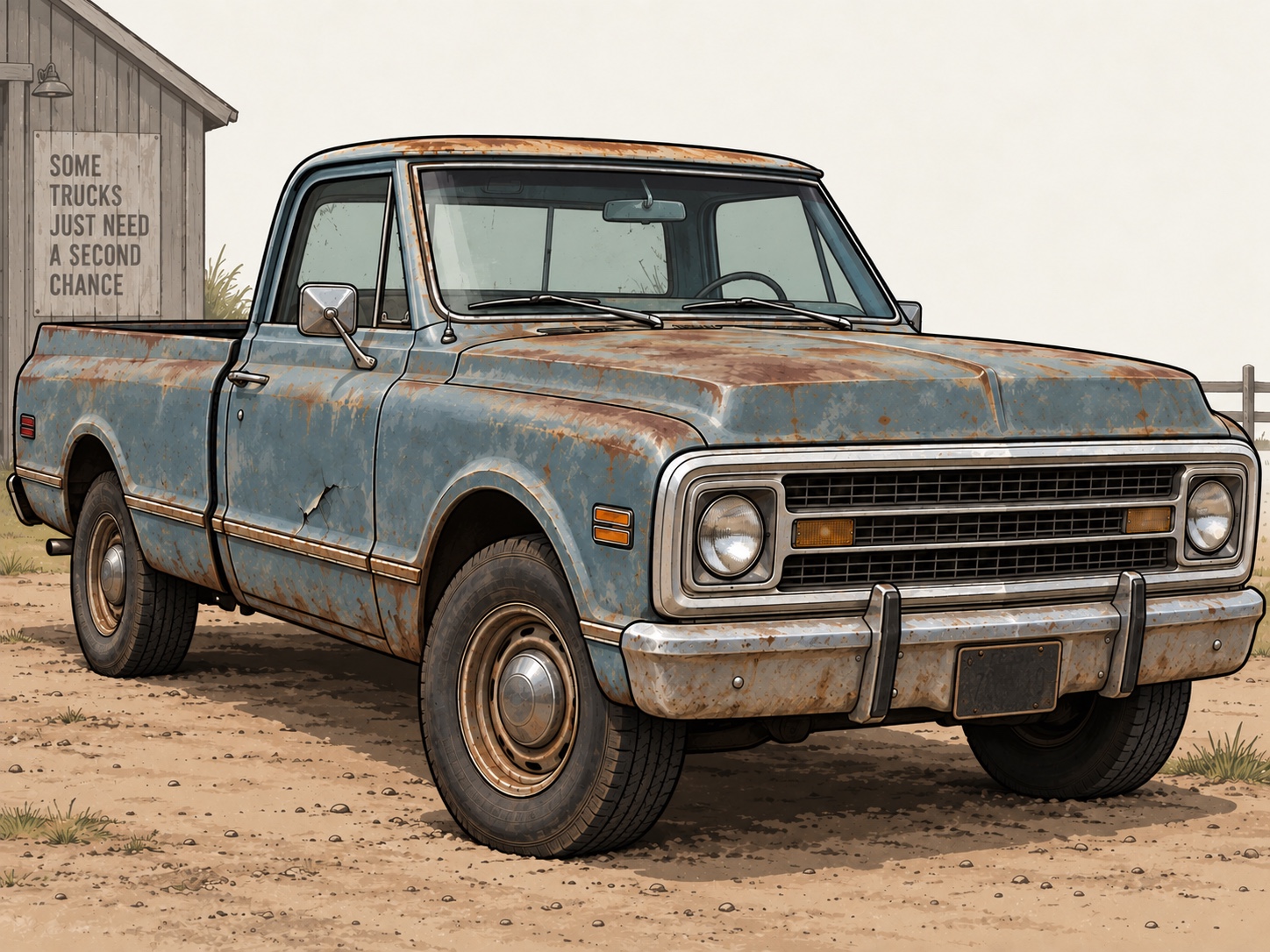
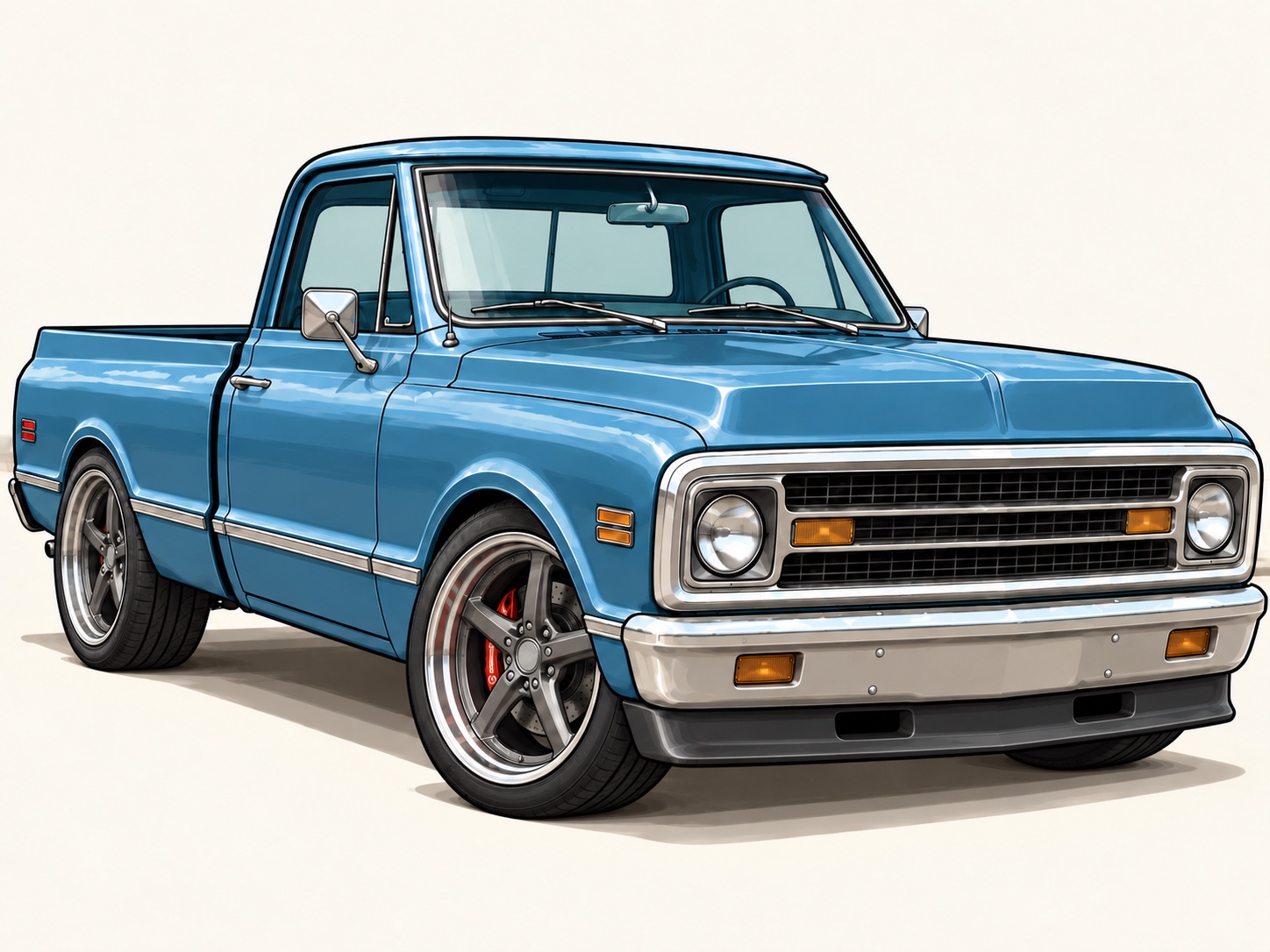
First system availableThe Classic Truck Build System
Most builders know what they have spent. Far fewer know what it will realistically cost to finish.
Instant digital delivery through Payhip · Founding price: $39 for the first 25 customers · Standard price: $49.
Know the real finish line
Your project does not become expensive because of one part. It becomes expensive when dozens of purchases, changes, returns, upgrades, and unfinished decisions stop being visible.
Compare a Needs-Only finish, the Current Planned Build, and the Full Wish List before you order the next part.
Keep purchases, refunds, returns, sales, credits, included-part value, and retained value separate and reconcilable.
Connect tasks, dependencies, fitment decisions, future purchases, and measurements so the next move is clear.
Purpose-built for project vehicles
The workbook connects the budget, parts, tasks, fitment, shop readiness, and build records that normally live in different notebooks, apps, receipts, and text threads.
Build the future plan once, then link purchases back to it so the remaining cost falls without double counting.
Track the cash that went out, the cash that came back, and the value that remains in the build.
Turn a long parts list into an executable plan organized by build phase.
Keep the details that prevent repeat measuring, wrong-fit orders, and future troubleshooting headaches.
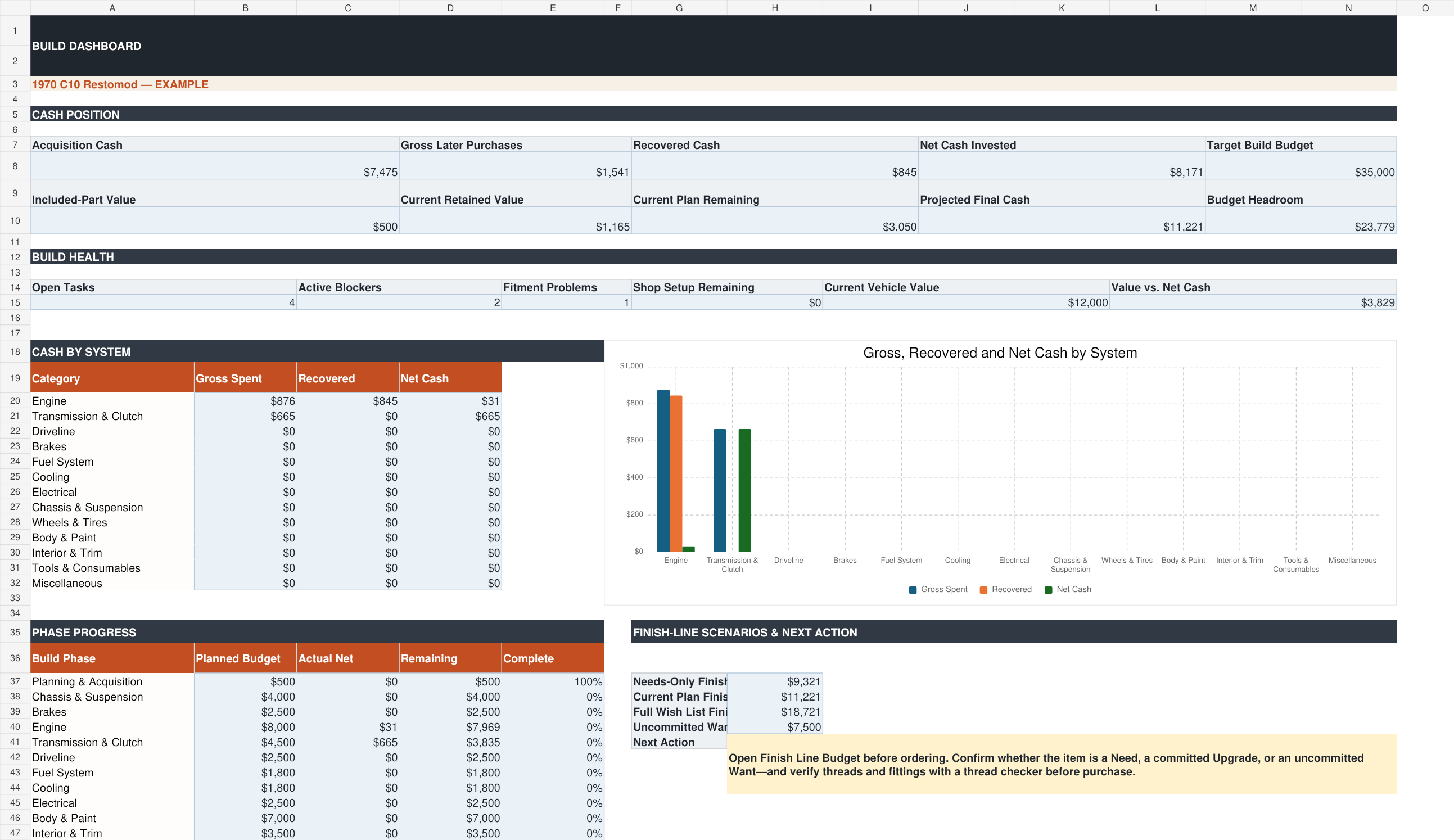
The dashboard
See net cash invested, recovered cash, current-plan remaining cost, budget headroom, blockers, phase progress, and the next action without rebuilding the math every time the plan changes.
What is included
Questions builders ask
The system is made for classic trucks generally. The example uses a fictionalized C10 restomod, but the structure works across makes, models, restoration styles, and long-term builds.
It projects three finish-line scenarios using acquisition cash, actual net spending, and the future items you enter: Needs-Only, Current Planned Build, and Full Wish List.
Yes. Returns, refunds, sales, credits, included-part value, and retained value are deliberately separated so the financial picture stays honest.
Microsoft Excel is the supported editing environment. Other spreadsheet programs may alter features or formatting.
No. It provides a recommended folder structure and an index for links to photos and documents stored in Google Drive or another service.
Plan • Track • Finish
Know what the truck has cost, what remains, what is blocking progress, and which wants are pushing the build beyond budget.